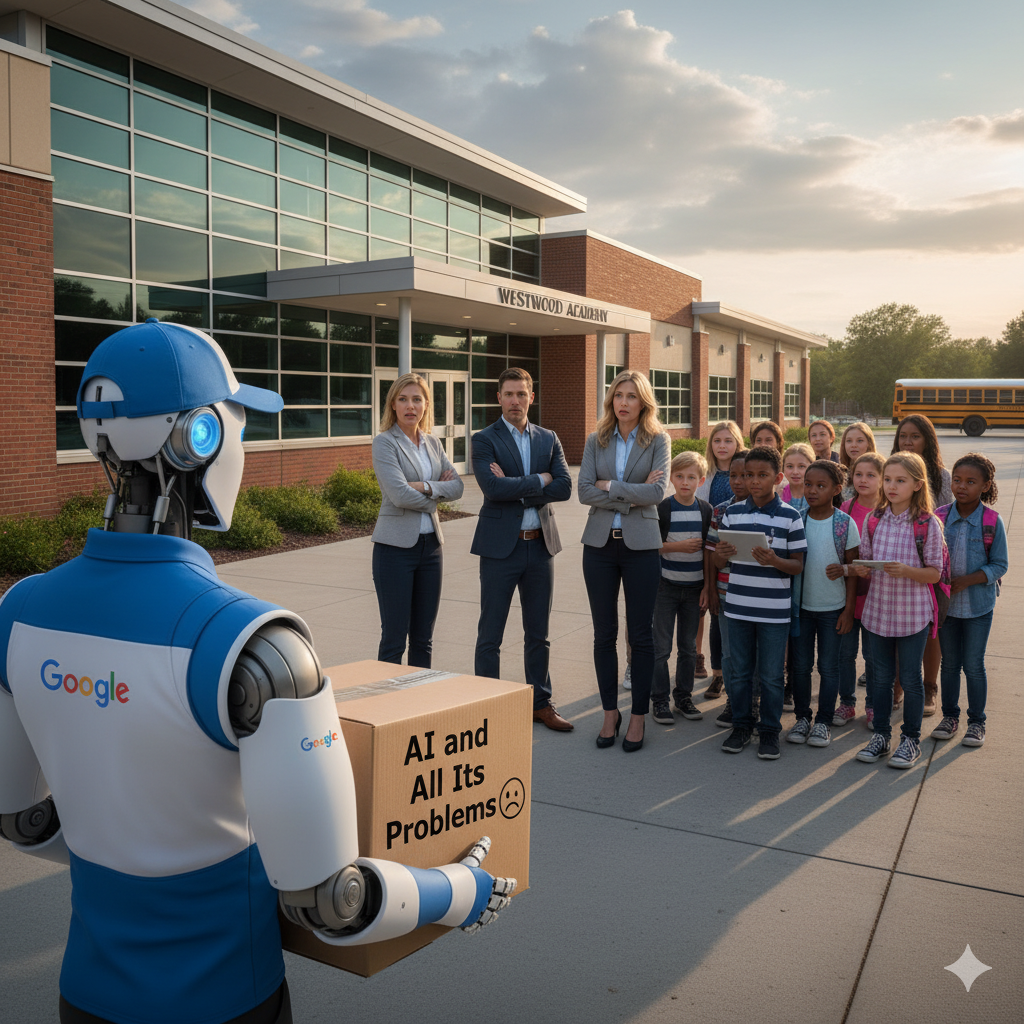
From Google:
A few months ago, we expanded Gemini in Classroom to help educators use AI for their common teaching tasks. Today, we’re making it possible for educators to use Google’s NotebookLM and Gems to create teacher-led AI experiences for students of all ages in Google Classroom.
By the end of the week (Oct 10), all users should these turned on.

Also from Google:
Getting started
Admins:
- These features will be available based on the respective admin console settings:
- NotebookLM: Teachers and students must be in a group or OU with NotebookLM set to On. Use our Help Center to learn more about turning NotebookLM on or off for users.
- Gems: Teachers and students must be in a group or OU with Gemini set to On and Gems sharing set to On. Use our Help Center to learn more about turning the Gemini app on or off or turning Gem sharing on or off.
End users:
- This feature will be available by default if NotebookLM or Gemini/Gems sharing are enabled by your admin.
- Teachers can create a notebook or Gem in Classroom by doing one of the following:
- Go to Classroom > Coursework where they will see options for ‘NotebookLM’ or ‘Gem’
- Go to Classwork > Create > Assignment or Material where they will see options for ‘NotebookLM’ or ‘Gem’ under ‘Attach’
- Students will have access to teacher-created notebooks or Gems from the Classwork item that the teacher attached it to. Students may also see these at the top of the Classwork page if the teacher selects the option to ‘highlight at top of Classwork.’
- Use our Help Center to learn more about using NotebookLM or Gems in Classroom:
What does this mean?
First, schools need to have the conversation NOW about turning these on – note “This feature will be available by default if enabled by your admin.” Please make sure faculty and admin are on the same page regarding AI – otherwise we will see a wider split.
Second, schools at the staff and student level need to discuss policy and literacy. Over 16,000 organizations in the US use Google classroom – Google thinks you want this – but do staff, parents, and students?
Leave a Reply